Losing things
is human.
Every day, something you own ends up somewhere you're not.
Bikes. Bags. Keys. Pets.
Gone and unreachable.
The Fix
One scan.
That's all.
A sticker. A scan. A call.
Your thing is on its way back.
WHOZE
Scan to Identify · Physical QR Identity
// What Is Whoze
// How Whoze Works
// The Journey
Scroll right →
Follow the Whoze workflow
from unboxing to recovery.
Step 01 — Start Here
Your Whoze pack arrives. 20 identical QR stickers.
Same group ID on every one. They're all linked — scan
any one of them and you control all of them.
20 stickers · 1 identity
Step 02 — Claim
Pick any sticker from the pack.
It doesn't matter which one.
Open your phone camera. Point. Scan.
You land on whoze.cloud — and the system
knows this set has never been claimed.
No app · No download · Any phone
Step 03 — Verify
Enter your phone number.
An OTP arrives by SMS — expires in 5 minutes,
tied to your phone and this QR set only.
Enter it. Verified. The set is now locked to your phone hash.
Nobody else can claim it.
AES-256 · Hash stored, never raw number
Step 04 — Fill In
A simple form — tailored to how you're using it. Name and phone for a bike. Name, guardian contact, and class for a school bag. Medical alert for a wristband. You control exactly what a finder sees. Nothing more.
Step 05 — The Magic Moment
You hit save. That single action pushes your identity to every sticker in your set — all 20, simultaneously. No individual setup. No repeating yourself. Your whole collection is live in one go. This is the Whoze difference.
Step 06 — Deploy
Now peel and stick. Bike frame. Helmet strap. Luggage handle. Dog collar. School bag zip. Laptop lid. Passport wallet. Lunch box. Every sticker is now a direct line back to you. Wherever these things go — you go with them.
Step 07 — Recovery
Your bag turns up at a lost-and-found.
A stranger finds your dog three streets away.
They scan the sticker. They see your name.
They tap the call button. No app. No account.
Just a browser and thirty seconds.
Your thing is on its way back.
Works on any phone · Any country
Step 08 — Evolve
Changed your number? New phone? New address? Scan any sticker. OTP verify — proves it's still you. Update your info. Every sticker in your set syncs instantly. The physical sticker never changes. But the identity behind it always stays current.
// You're Set
8 steps. A sticker. A scan. Your identity on everything you own. Ready to start?
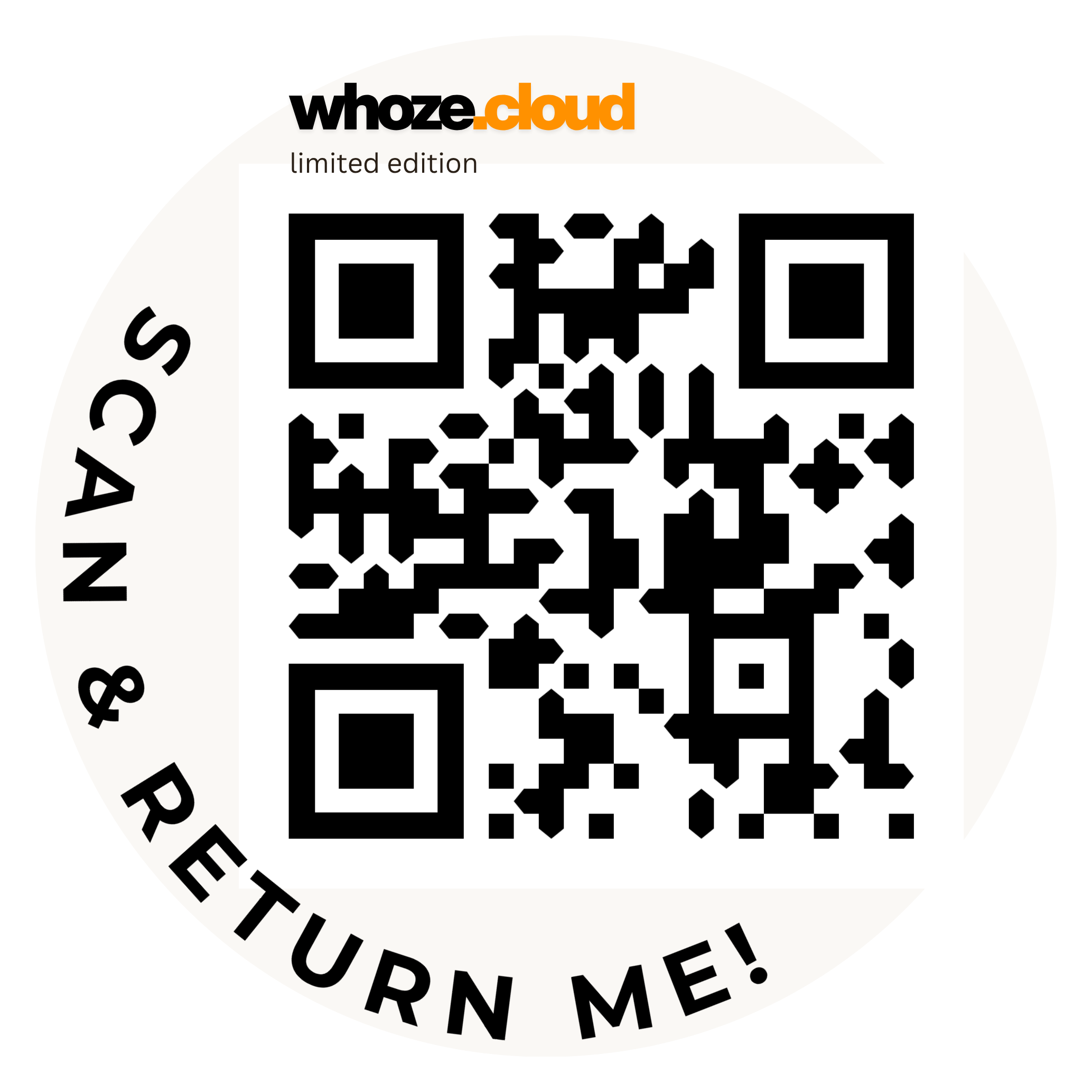
Join Beta →The QR code on the right is a real, unclaimed Whoze sticker pulled live from our system. Scan it with your phone camera and you'll land on the actual claim flow — enter your number, get an OTP, fill your details, and that QR is yours. This is not a mockup. This is the product.
// Explore Whoze
01
Private Beta
Be among the first 100. We'll send a physical sticker pack, walk you through setup, and your feedback shapes everything that comes next.
beta.whoze.cloud →02
The Story
School bags. Road accidents. Lost pets. Eight real-world problems a sticker and a scan can solve today.
Read the story →03
The System
Sticker pack → scan → OTP → fill info → all 20 sync. Walk the full Whoze workflow step by step.
See how it works →04
The People
Building tech since 2007. Three products, one mission. The story behind the sticker.
Meet the team →// Got Questions
Security, stickers, OTPs, lost pets, school bags, emergency IDs. 35+ questions, honest answers, zero fluff.
Browse the FAQ → 👋// Talk to Us
School enquiry, partnership, something broke, press — we built a contact page that doesn't feel like a contact page.
Get in Touch →